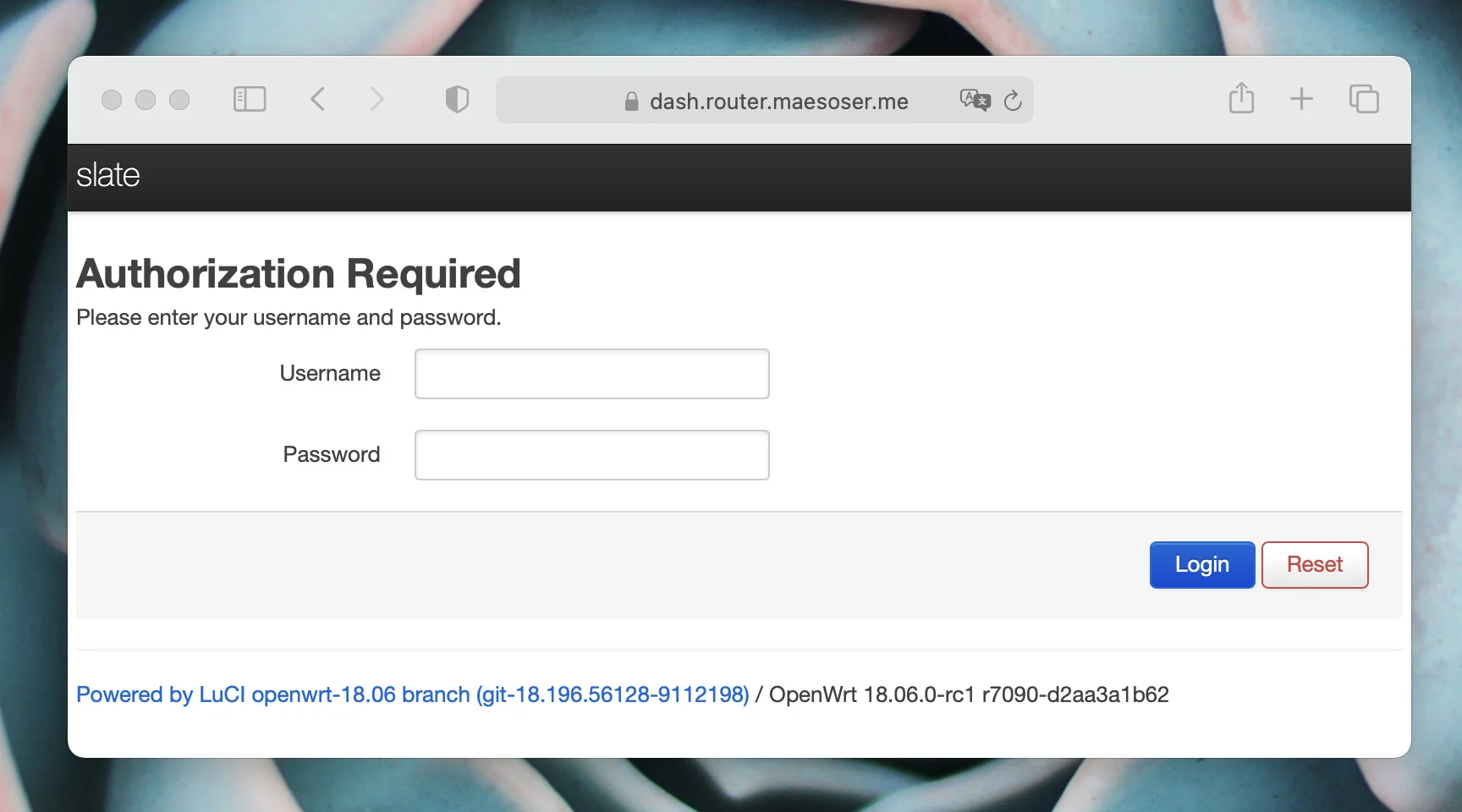
My parents are right now using a cute but powerful GL-iNet router, so I decided to install Cloudflared on it to be able to remotely manage its configuration without the need to use a Dynamic DNS (DDNS) service and some port forwarding magic that could stop working at any time or if my parents change to an ISP that uses CGNAT.
Cross-compiling to another system can usually be a nightmare for the people that is not used to do it (me) but luckily Cloudflared was written in Go and one of Go's superpowers is that it is pretty easy to build binaries for another CPU architectures or operative systems.
Compiling it
So, first we need to discover the CPU architecture of our router. Maybe we're lucky and the router is using a ARM CPU for what we already offer precompiled binaries.
$ cat /proc/cpuinfo | grep model
cpu model : MIPS 74Kc V5.0
So we're in front of a MIPS processor, a pretty common architecture on embedded devices and not so embedded devices like the original Playstation or the Tesla Model S. This is not bad as Go supports the instruction set of these CPUs. Let's cross-compile Cloudflared for MIPS. The first thing we need to do is to download the source code in our computer:
git clone https://github.com/cloudflare/cloudflared.gitNow we build Cloudflared with the proper environment variables and some other weird tricks to reduce the binary size and we send the compiled file to the overlay partition of our router. Notice that we disabled CGO, as we didn't know which C library OpenWRT uses (musl maybe?).
cd cloudflared/cmd/cloudflared
CGO_ENABLED=0 GOOS=linux GOARCH=mips GOMIPS=softfloat go build -a -installsuffix cgo -ldflags '-s -w -extldflags "-static"' .
scp cloudflared myuser@router.local:/overlay/upper/usr/bin/
Installing Cloudflared as a service
If we want to use the old way of configure a Cloudflare tunnel, we need to copy the tunnel configuration as well as to define the ingress rules needed for this specific use case. For example, in my case:
tunnel: ${tunnel-id}
credentials-file: /root/.cloudflared/${tunnel-id}.json
ingress:
  - hostname: ssh.router.maesoser.me
    service: ssh://192.168.8.1:22
  - hostname: dash.router.maesoser.me
    service: http://127.0.0.1:80
  - service: http_status:404
We also need to create the service in /etc/init.d/cloudflared to make sure the Cloudflare Tunnel is established when the system is powered:
#!/bin/sh /etc/rc.common

USE_PROCD=1
START=95
STOP=01

CLOUDFLARED_CONFIG="/user/.cloudflared/config.yml"

stop_service() {
        echo "Stopping cloudflared tunnel"
}

start_service() {
    procd_open_instance

    procd_set_param env TUNNEL_ORIGIN_CERT=/user/.cloudflared/cert.pem
    procd_set_param command /bin/cloudflared
    procd_append_param command --pidfile /var/run/cloudflared.pid
    procd_append_param command --logfile /var/log/cloudflared.log
    procd_append_param command --loglevel info
    procd_append_param command --autoupdate-freq 48h0m0s
    procd_append_param command --metrics 0.0.0.0:9300
    procd_append_param command tunnel
    procd_append_param command --config #CLOUDFLARED_CONFIG
    procd_append_param command run

    procd_set_param stdout 1
    procd_set_param stderr 1

    # respawn retry is 0 because we want to keep trying to bring cloudflared up
    procd_set_param respawn ${respawn_threshold:-3600} ${respawn_timeout:-10} ${respawn_retry:-0}

    procd_close_instance
}
However if we want to use the new Named Tunnels that give us the opportunity to manage the networks and hosts exposed by the Cloudflare Tunnel from the Cloudflare Zero Trust dashboard we not even need to create a configuration file and we need to modify our service to refer only to the token needed to identify your Cloudflare Tunnel:
#!/bin/sh /etc/rc.common

USE_PROCD=1
START=30

TOKEN="this_is_my_token"

stop_service() {
        echo "Stopping cloudflared tunnel"
}

start_service() {

    procd_open_instance

    procd_set_param command /bin/cloudflared
    procd_append_param command --pidfile /var/run/cloudflared.pid
    procd_append_param command --logfile /var/log/cloudflared.log
    procd_append_param command --loglevel info
    procd_append_param command --autoupdate-freq 48h0m0s
    procd_append_param command --metrics 0.0.0.0:9300
    procd_append_param command tunnel run
    procd_append_param command --token $TOKEN

    procd_set_param stdout 1
    procd_set_param stderr 1

    # respawn retry is 0 because we want to keep trying to bring cloudflared up
    procd_set_param respawn ${respawn_threshold:-3600} ${respawn_timeout:-10} ${respawn_retry:-0}

    procd_close_instance
And then the only thing left is to enable and start the service and to check that everything is working:
/etc/init.d/cloudflared enable
/etc/init.d/cloudflared start
logread -f
Done!
And that's all folks! Now I have access to the router without having to create error prone port forwardings, without having to open ports and no matter which IP address is the router using.
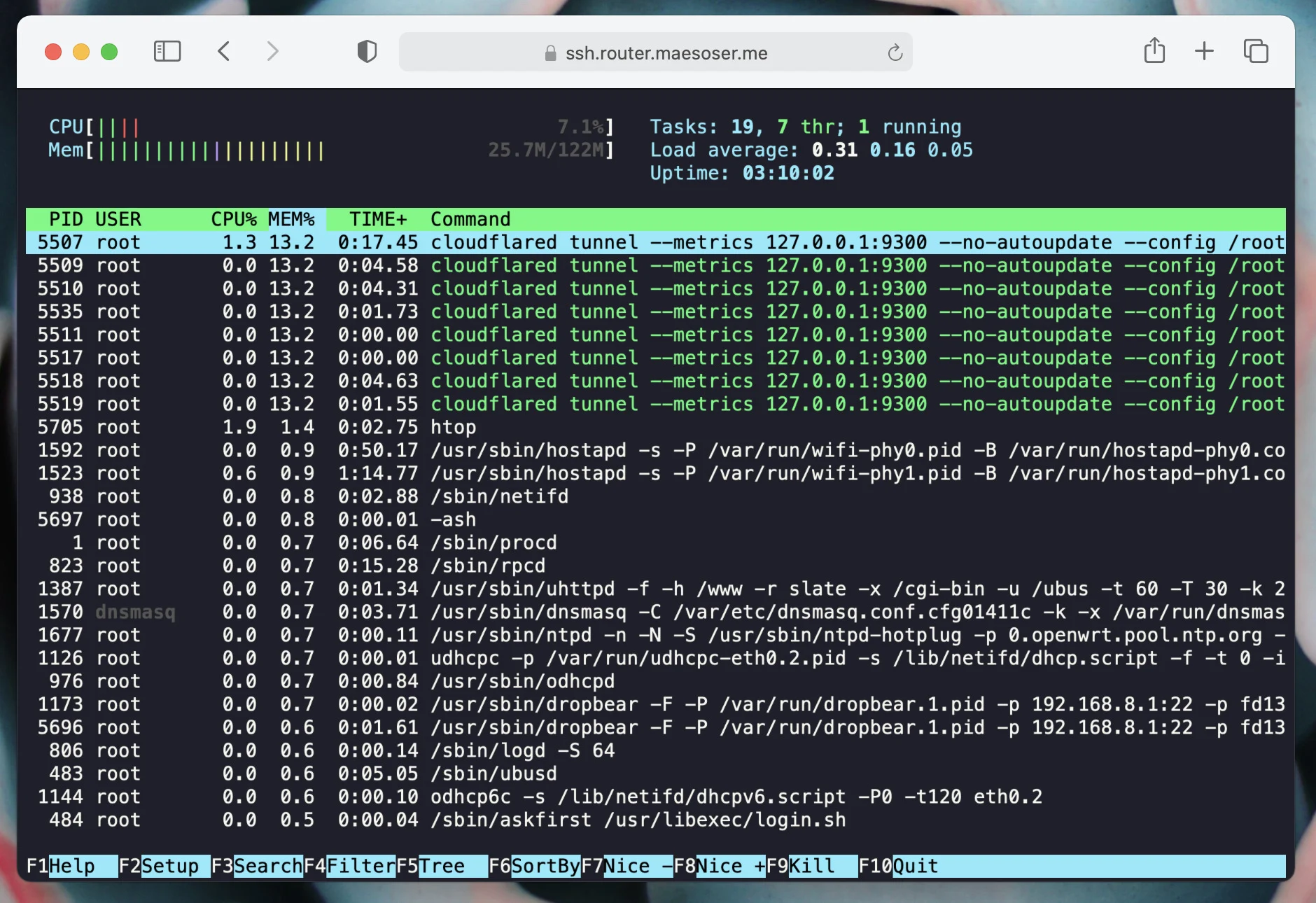
I must say that resource consumption is not excellent, given how constrained a router is, but it is far from terrible. Here is a screenshot of htop obtained by using the web rendered ssh terminal that Cloudflare provides